Team
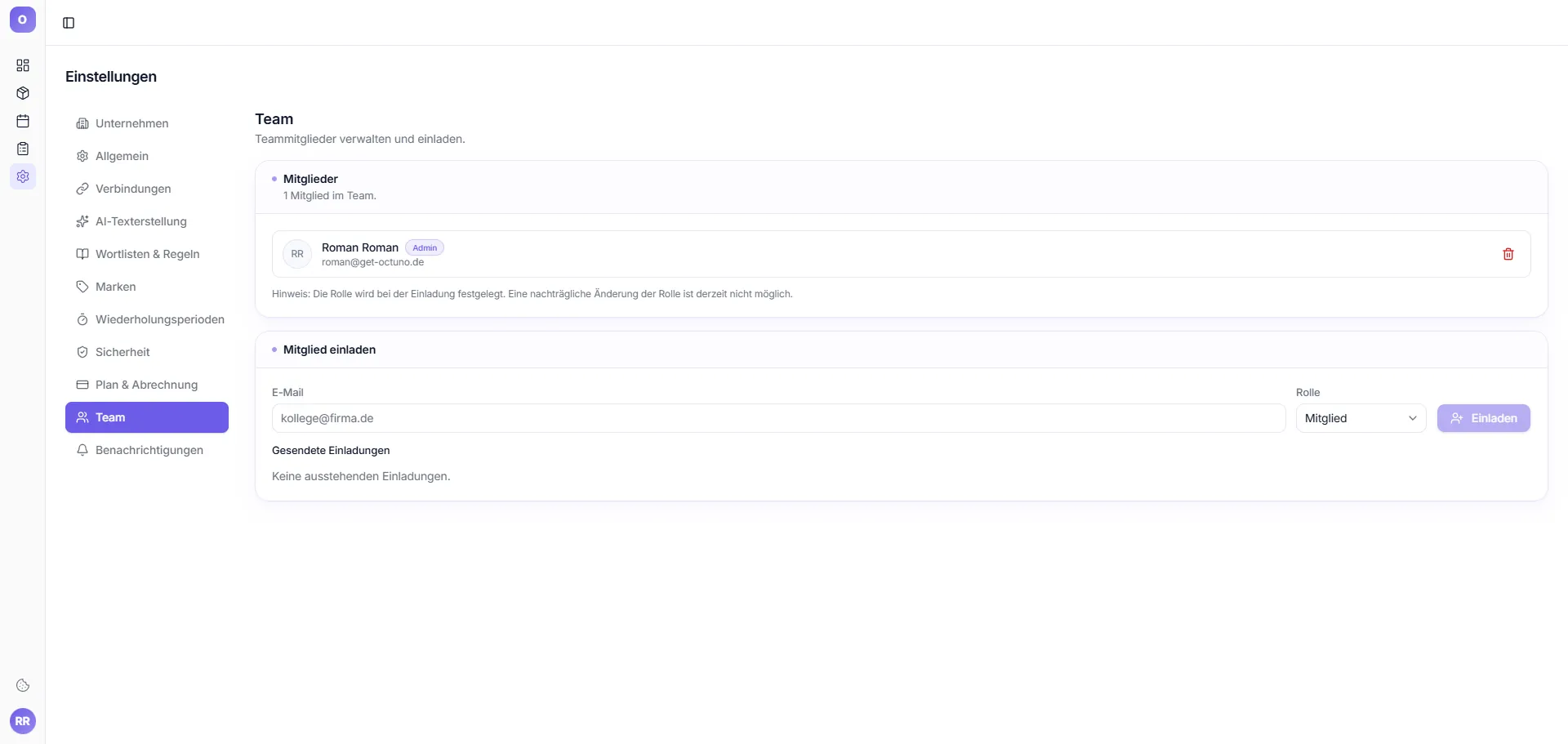
Subtitle: "Manage and invite team members."
Members
List with avatar, name, role badge, email. Counter: "X member(s) in team."
Note from the tool: "Role is set during invitation. Changing roles afterwards is currently not possible."
Invite member
Fields: Email, Role (dropdown, default: Member) + Invite button.
Sent invitations
List of pending invitations. If empty: "No pending invitations."