Brands
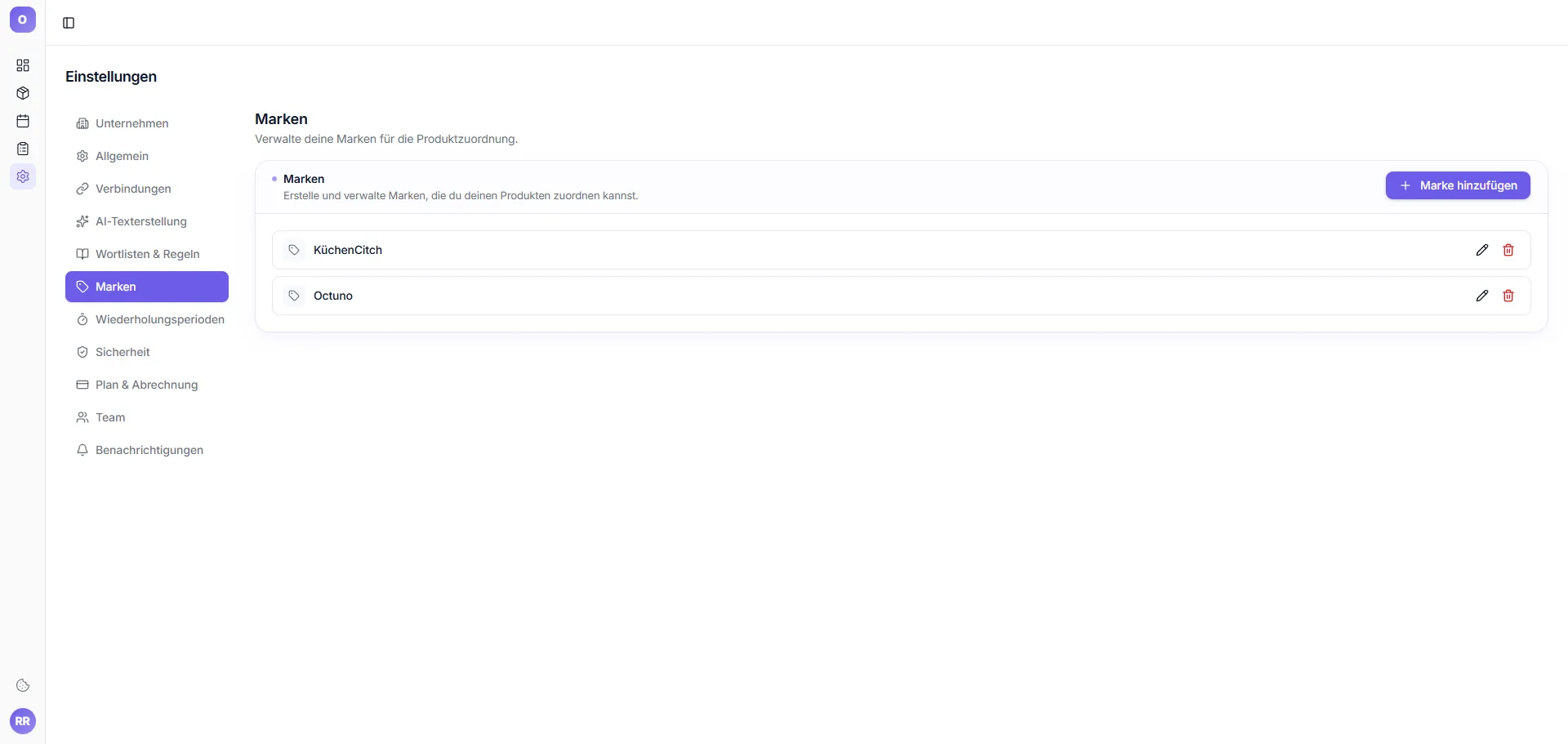
New: Dedicated tab to manage your brands and their spellings.
Why a brand manager?
The AI needs to know how your brands are spelled correctly (e.g. "KüchenCitch" – not "KÜCHENCITCH" or "küchencitch"). Also, the brand should be guaranteed to appear in certain fields.
Add brand
- Click "+ New brand"
- Enter brand name (correct spelling)
- Optional: alternative spellings to avoid
- Save
Brand in title
In the editor → AI panel there's a toggle "Brand in title". When active, the generated title starts with the brand name (e.g. "KüchenCitch Spice Mill Stainless Steel Set of 2...").