AI Text Generation
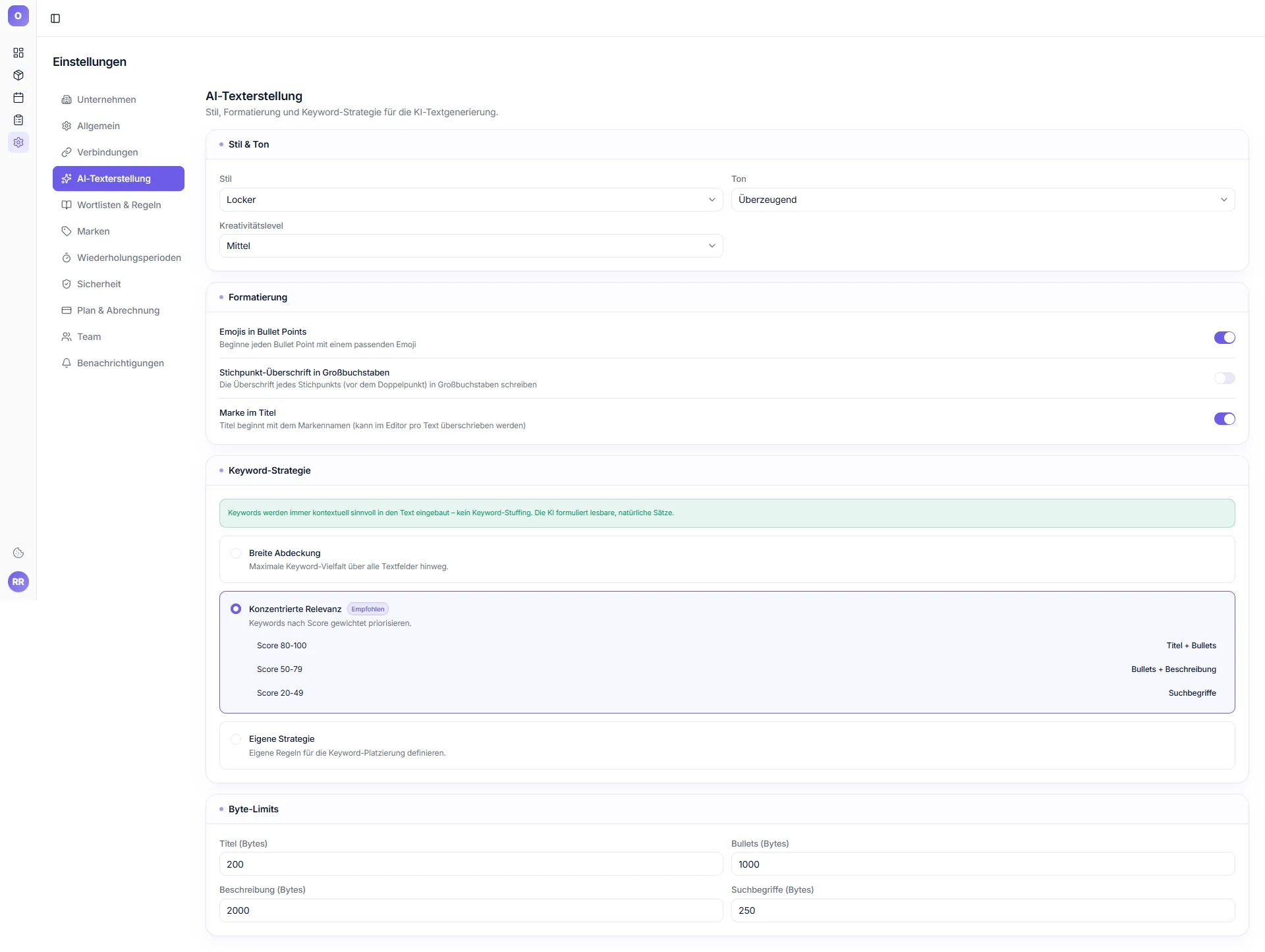
Subtitle: "Style, formatting and keyword strategy for AI text generation." Defaults for every new listing — override per product in the editor.
Style & Tone
| Setting | Examples |
|---|---|
| Style | Casual, Professional, Friendly, Playful |
| Tone | Persuasive, Neutral, Emotional, Factual |
| Creativity level | Low, Medium, High |
Formatting toggles
- Emojis in bullet points – start each bullet with a fitting emoji
- Title capitalization – capitalize first word of each title segment
- Brand in title – title starts with brand name (overridable per text)
Default keyword strategy
- Broad coverage
- Focused relevance (Recommended)
- Custom strategy
Byte limits (configurable per field)
Title / Item Highlight / Bullets / Description / Search terms — restrict if you want a safety margin below Amazon's official limits (Title 75, Item Highlight 125, Bullets 1000, Description 2000, Search terms 250 bytes; the 75-byte title cap applies from 27 Jul 2026).