Security
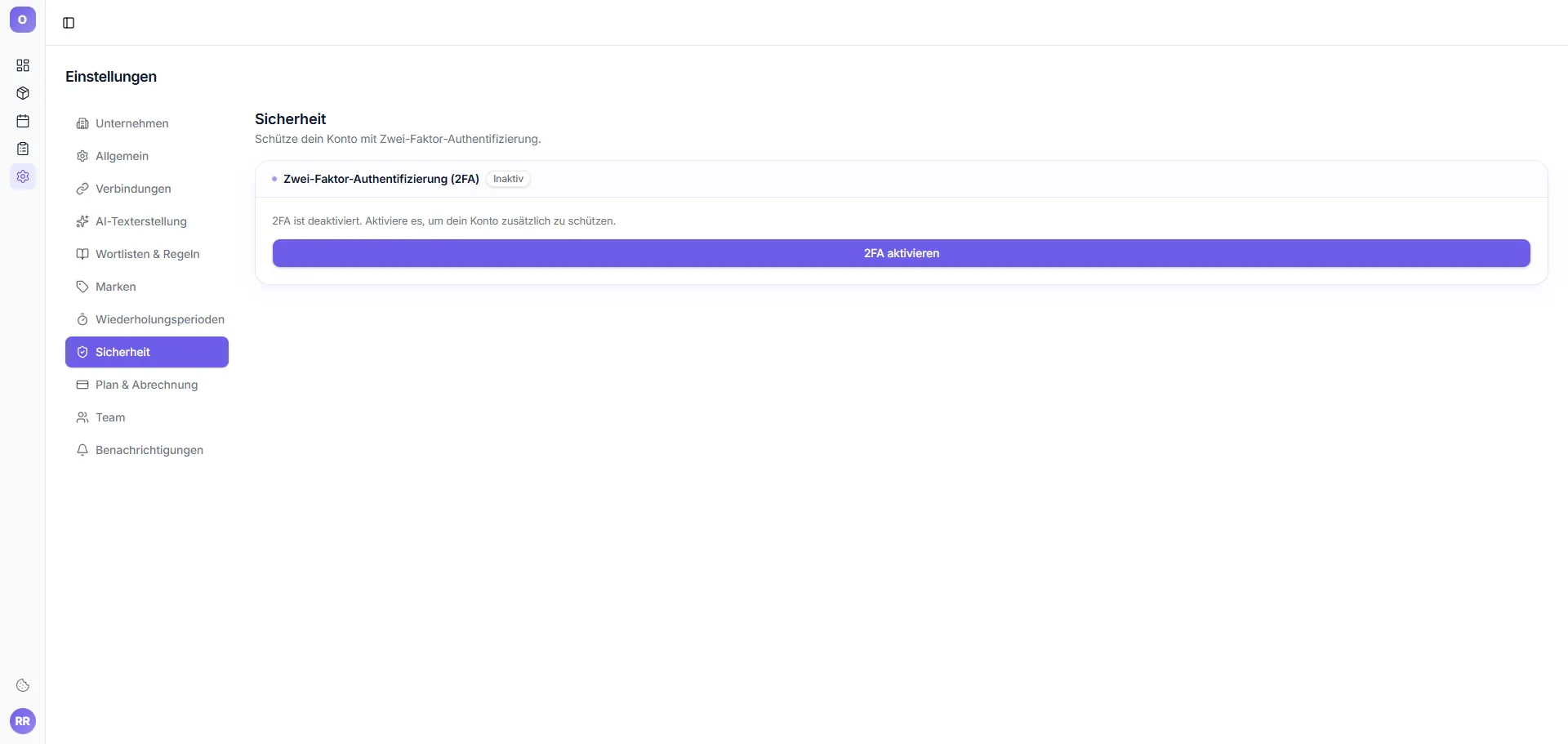
New: Dedicated tab for all security-related settings.
Password
Change password – enter current password + confirm new password twice.
Two-Factor Authentication (2FA)
Enable 2FA via authenticator app. Recommended for agencies and teams.
Active sessions
List of all logged-in devices. Per session you see:
- Device and browser
- Location (city, country)
- Last login
- Action: "Sign out" for this session
Delete account
Permanent deletion of account and all data. Warning: cannot be undone.
Note: Before deletion, we recommend exporting texts via Inventory → Tools → Export.