Search & Filter
Search bar
Search by ASIN, SKU, EAN or FNSKU. The search scans all imported products in real time.
Events dropdown
Filters the product list to a specific event. Useful e.g. when you want to review only the "Halloween" texts.
Status filter (top-right pills)
All
Active
Uploaded
Saved
Draft
Missing
Click a status pill to filter the table. Click "All" to show all products again.
View: Cards / Table
Top right you switch the overview between two representations of the same products. Search as well as event and status filters work the same in both views – only the display changes, not the data.
| View | Display | When useful |
|---|---|---|
| Table | Compact list – one row per product, with a status column per marketplace (DE/IT/FR/ES/UK) side by side. | Scan many products quickly, compare status per marketplace, multi-select for bulk actions. |
| Cards | Visual tiles – one card per product with product image, name and compact status badges. | Visual browsing when the product image matters more than the individual marketplace columns. |
Status Colors
For each product, event and marketplace, a colored dot indicates the text status:
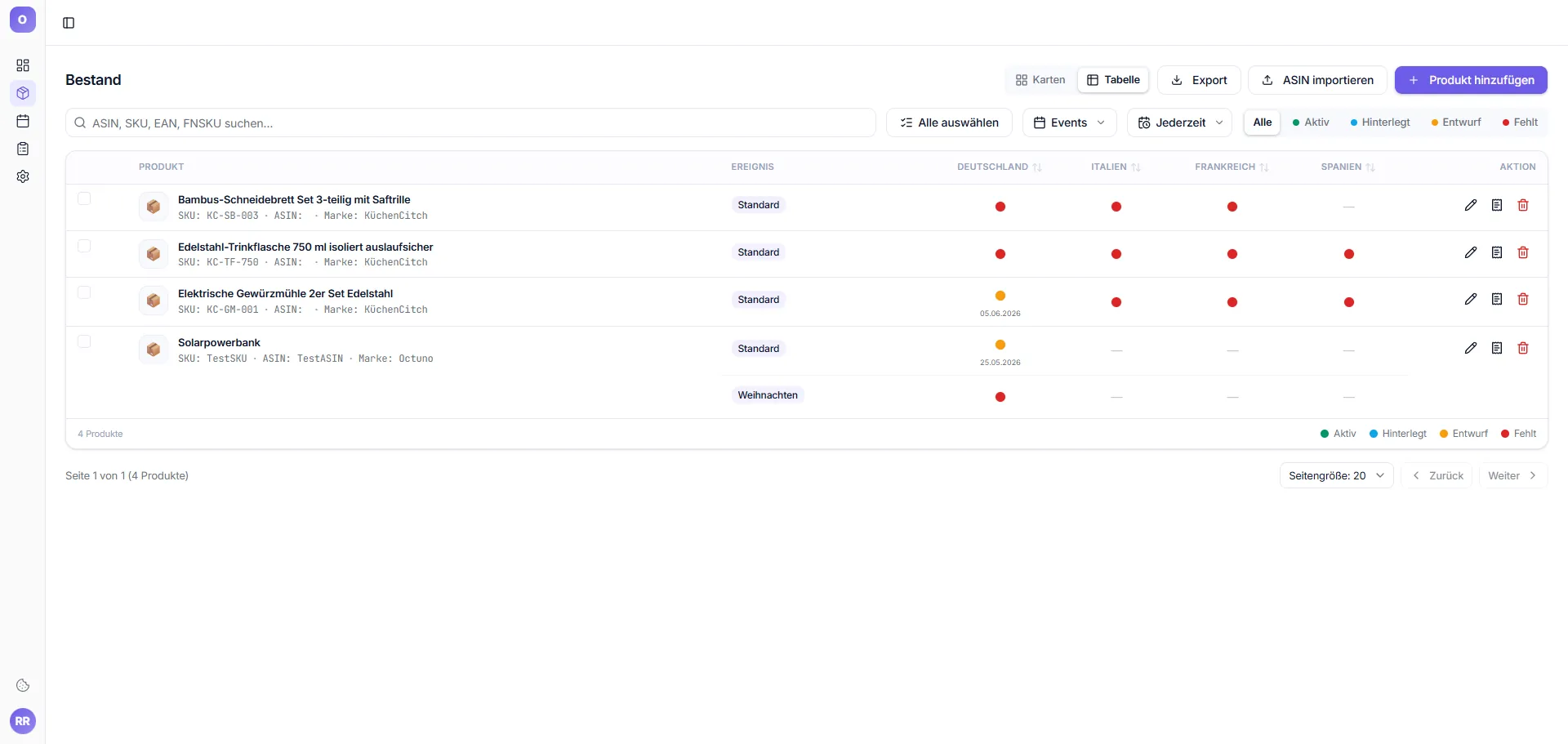
| Color | Status | Meaning |
|---|---|---|
| ● | Active | Text is published and live on Amazon |
| ● | Uploaded | Text uploaded to Amazon, awaiting confirmation |
| ● | Saved | Text saved but not yet pushed to Amazon |
| ● | Draft | Text saved as draft, not published |
| ● | Missing | No text stored – must still be created |
| — | Not active | Marketplace not activated in account |