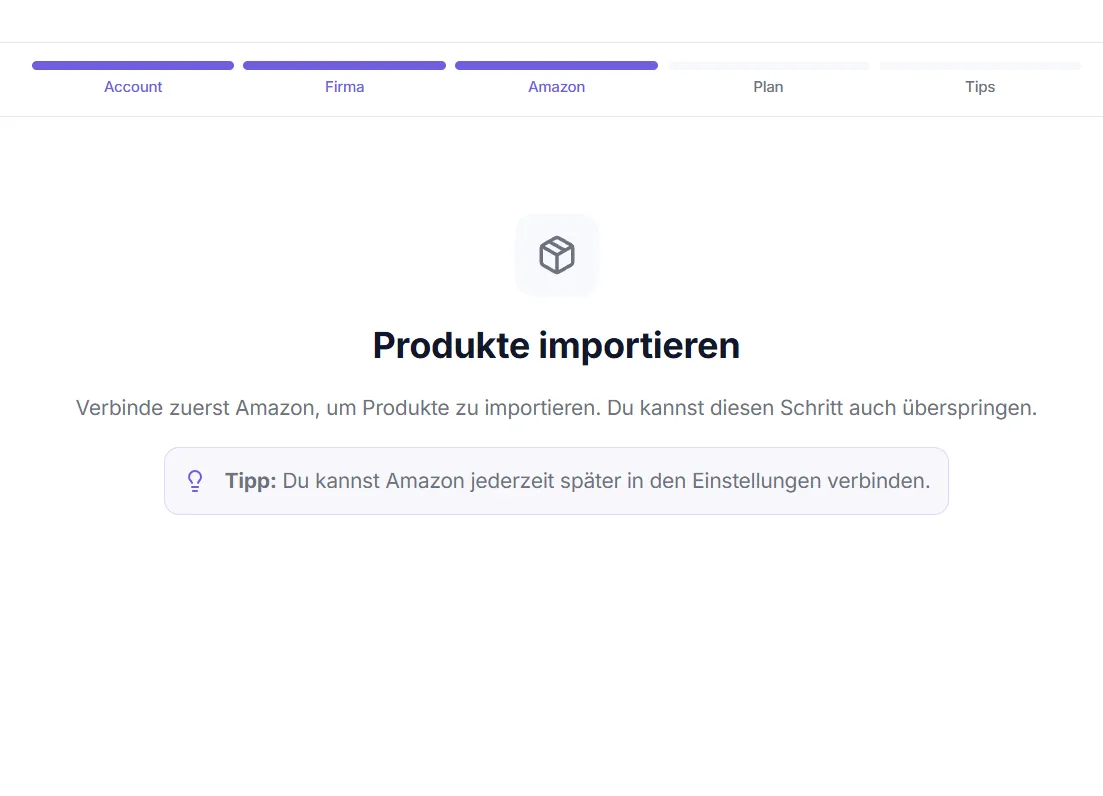
Onboarding Wizard
On your first login, Octuno Text guides you through a 2-step wizard (Welcome and Connect Amazon). Registration itself happens beforehand on the sign-up page – the wizard starts right after.
Before you start – Create account
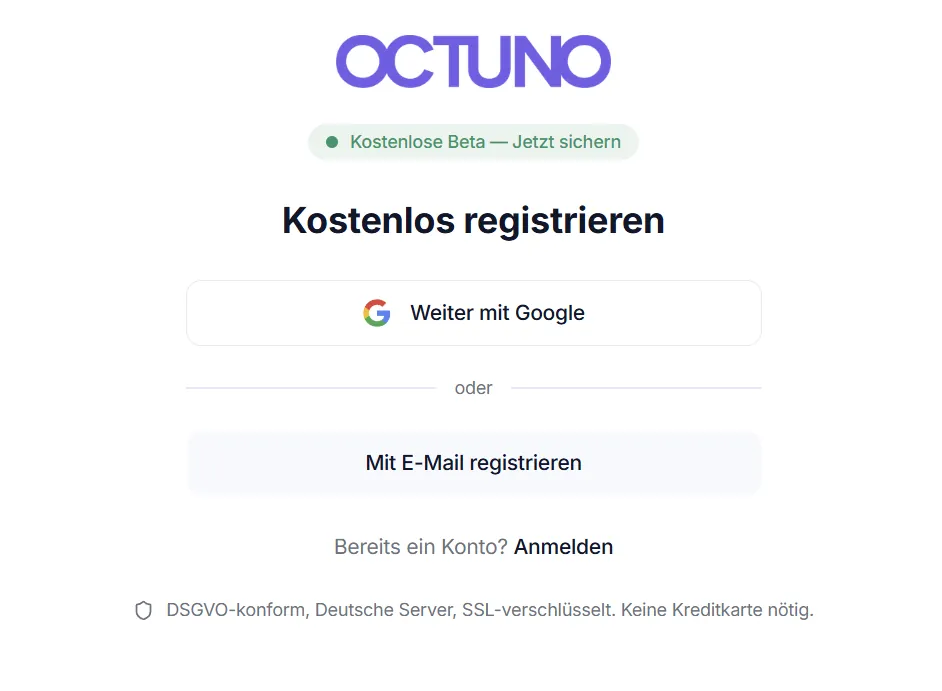
Sign up on the sign-up page with Google, Apple or email/password. Your name appears in version history and team views.
Step 1 – Welcome
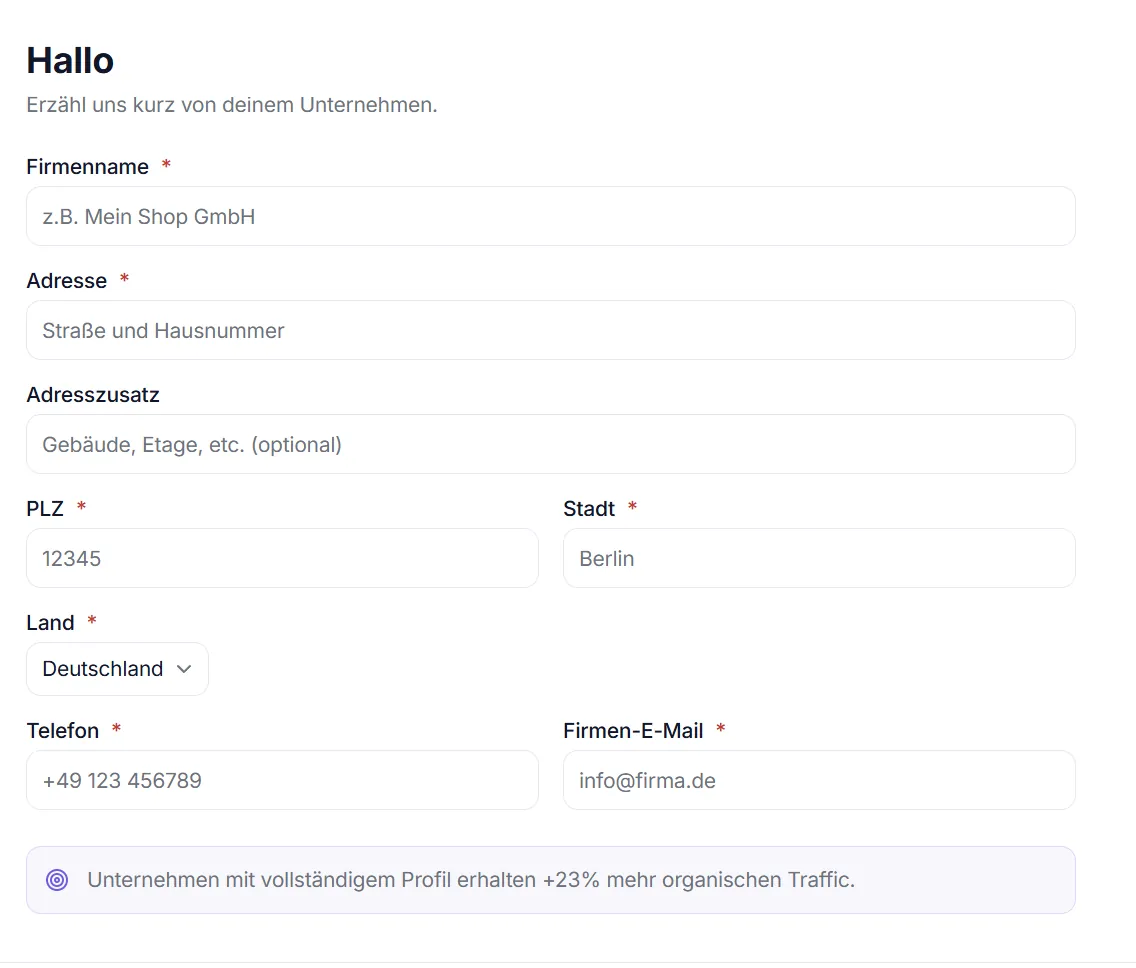
Combined start card: your name and the company name (required field) in one step. The company name appears in the sidebar and on invoices; logo, address and VAT-ID can be added anytime later under Settings → Company.
Step 2 – Connect Amazon
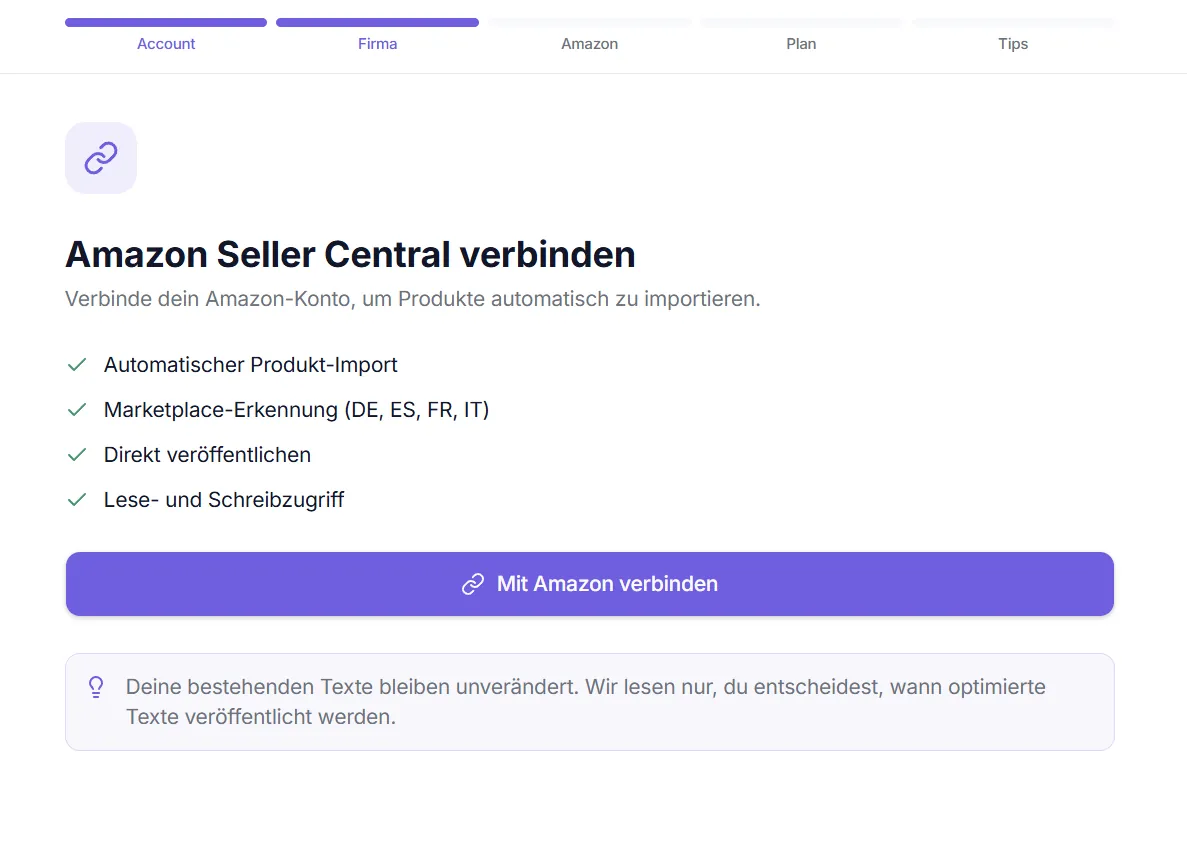
Connect your Amazon Seller Central account via the SP-API. Octuno automatically detects the marketplaces used by your seller account and imports your products right in the same step – with a live counter and a status grid of four metrics.
| What happens | Details |
|---|---|
| Marketplaces detected | DE, FR, IT, ES, UK – automatically based on your seller account |
| Products imported | ASIN, SKU, product name, image – automatically via SP-API, right in the step |
| Access | Read/write access to listing data – no order data |